Placing an order takes just a few minutes. This guide walks you through checkout step by step, from your cart to placing your order.
Start checkout
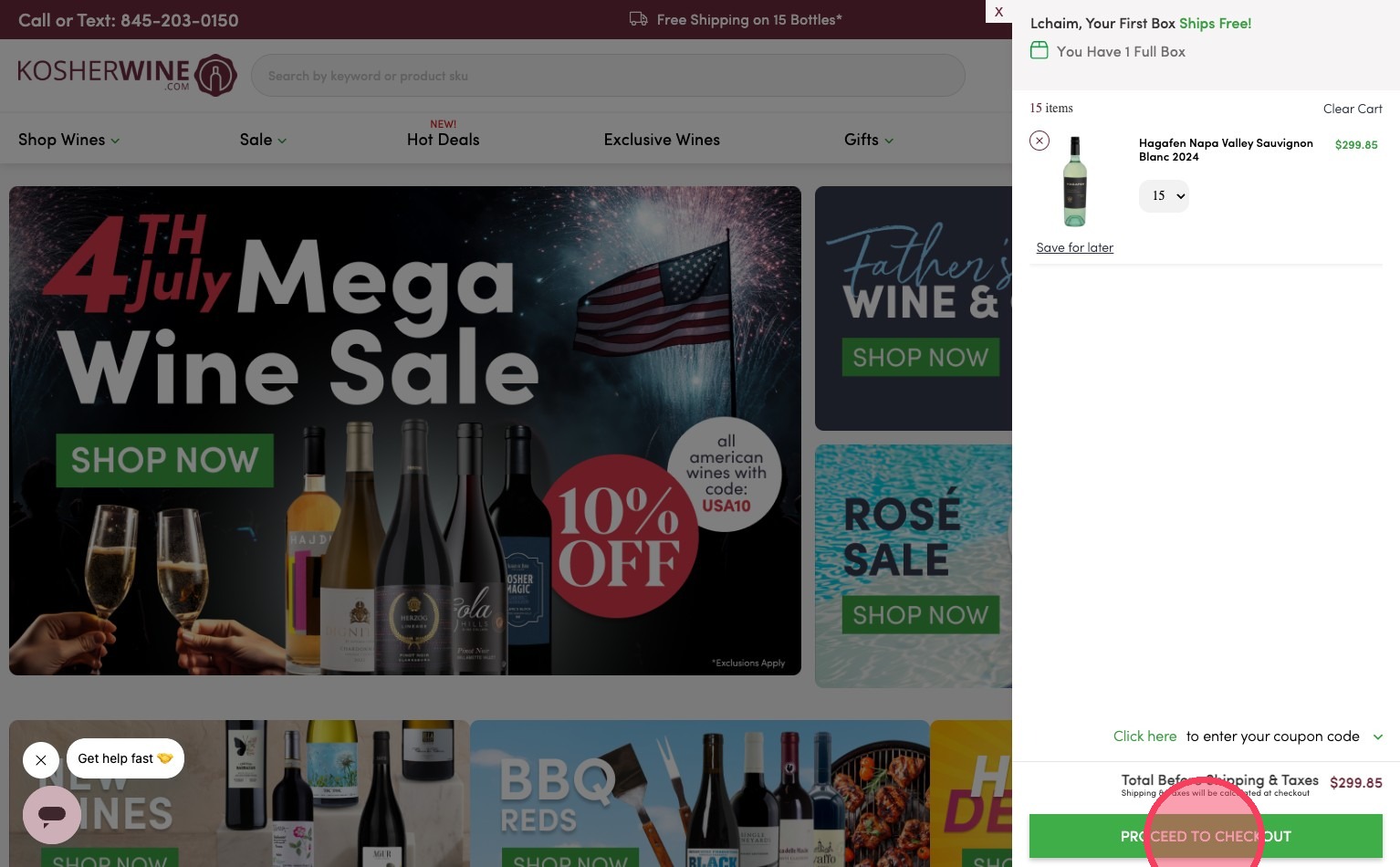
- In your Mini Cart, click Proceed to Checkout.
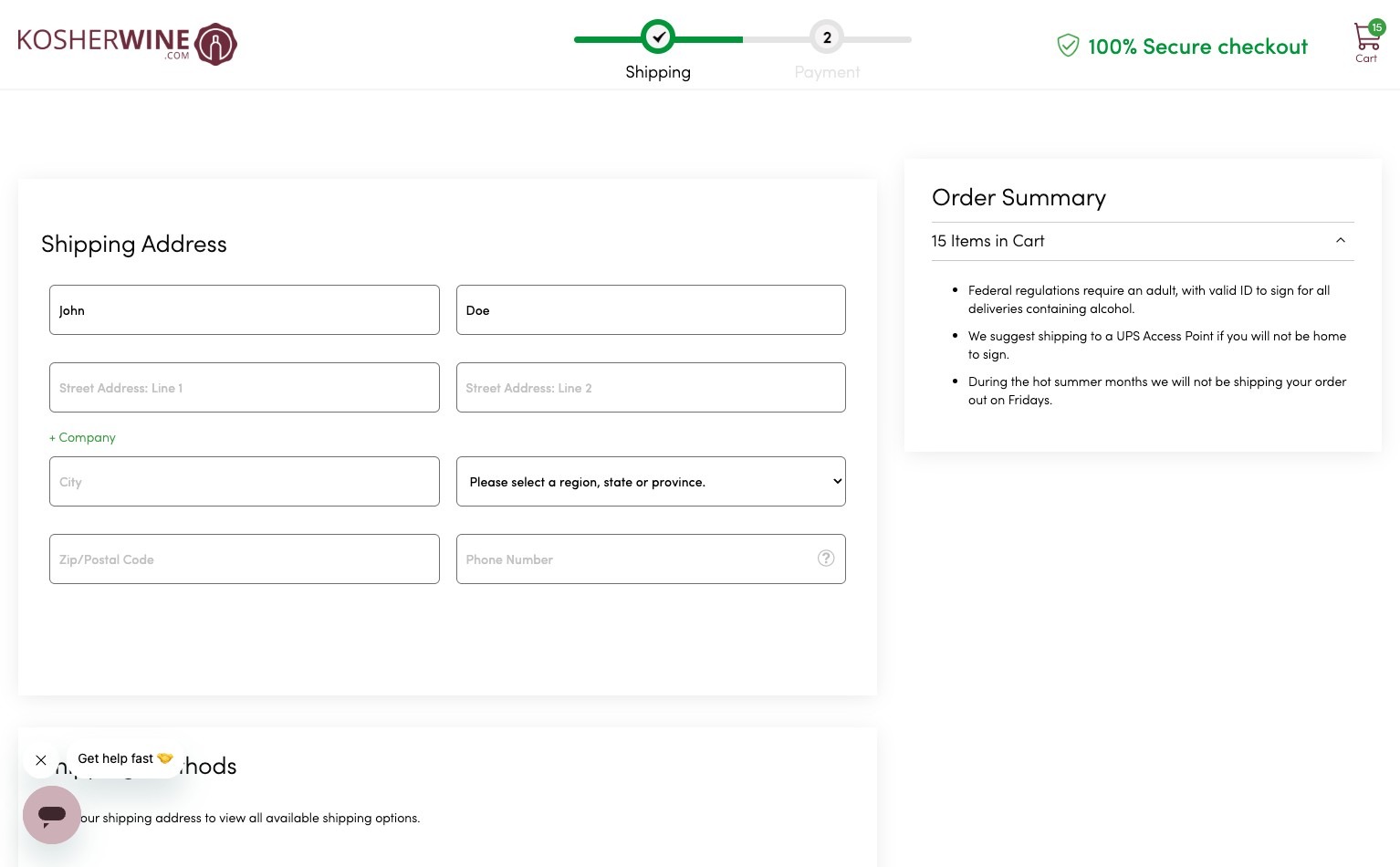
- Fill out your shipping address. Wine ships to a physical street address and requires an adult signature on delivery, so use an address where someone 21 or older can sign. For details, see Adult Signature Requirement. Some states limit wine shipments, so see State Shipping Restrictions if you are unsure.
Choose your delivery date and shipping
- Scroll down and choose your preferred delivery date.
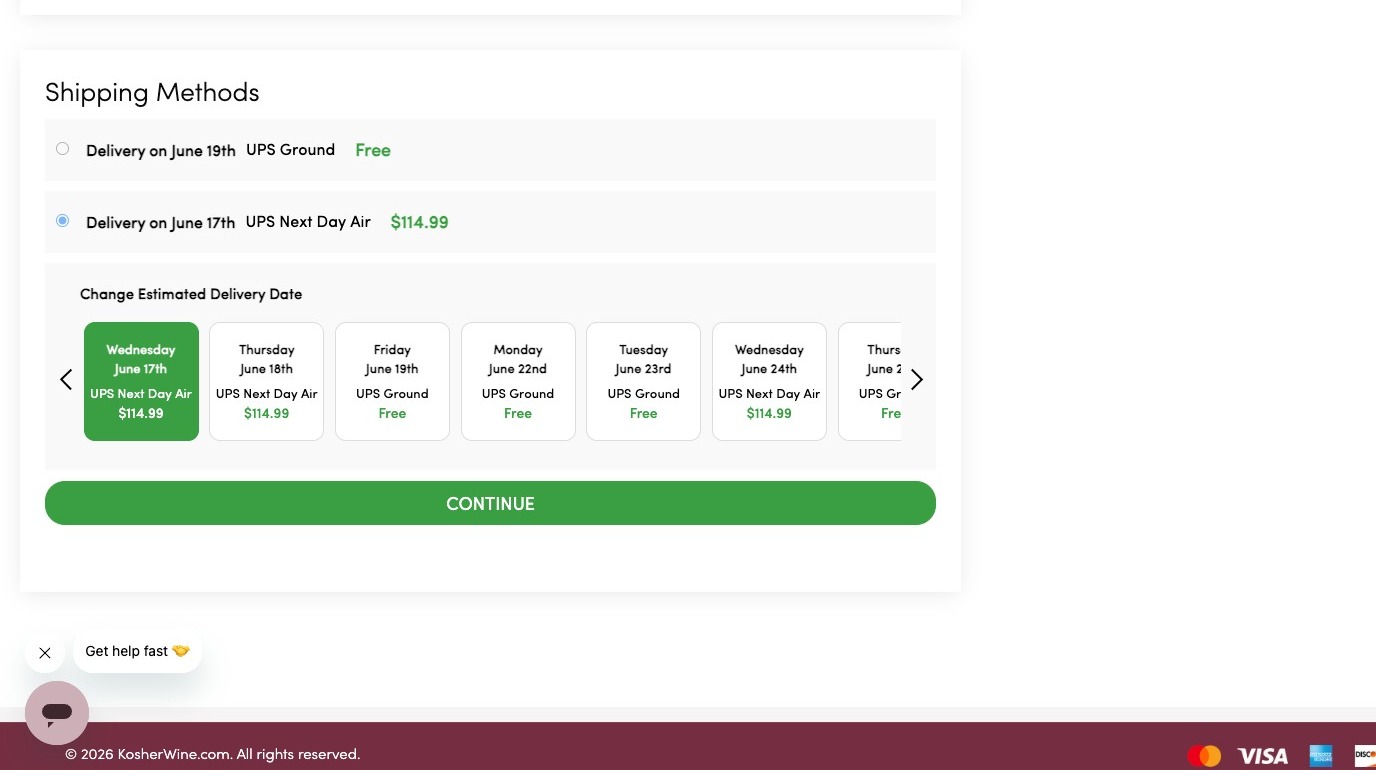
- For the date you choose, the lowest-cost shipping option that meets it is shown.
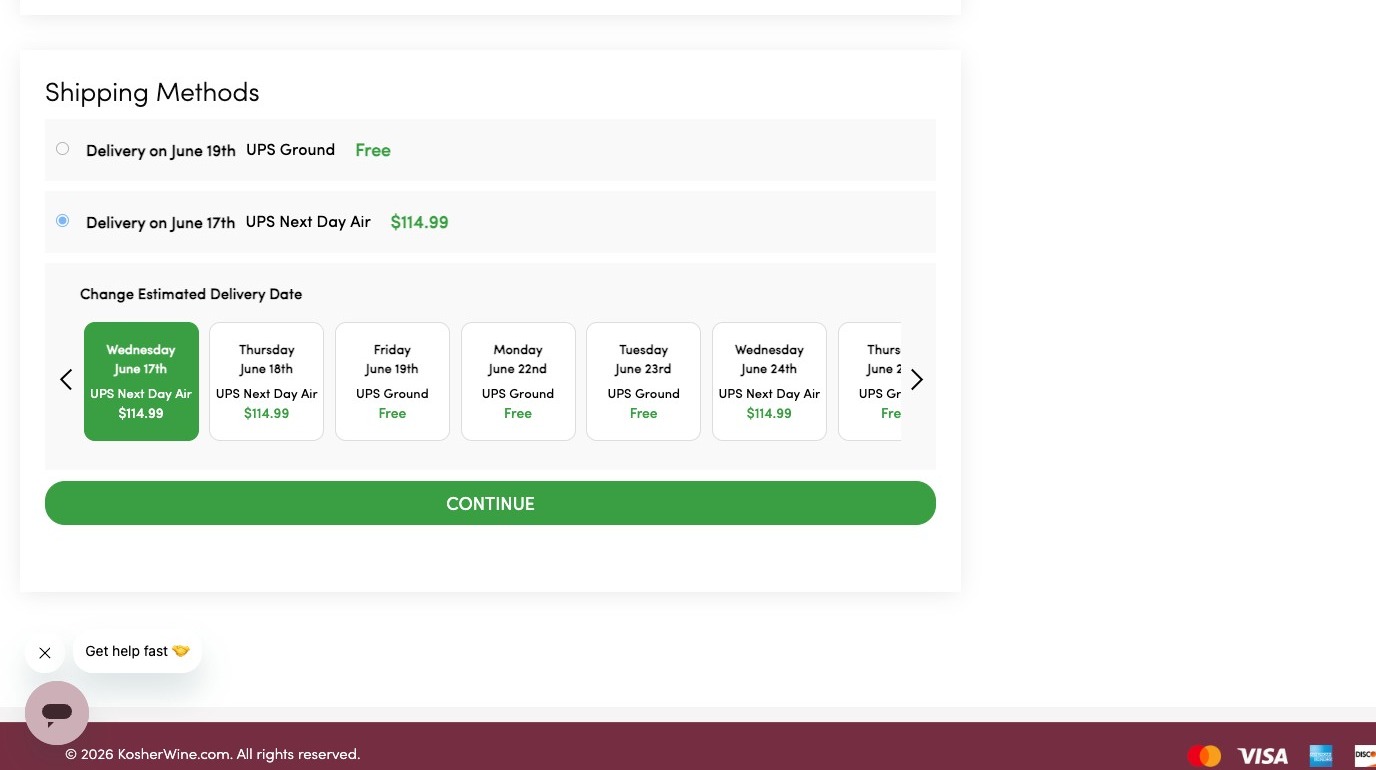
- If you select a later delivery date, only the lowest-cost option for that day is available.
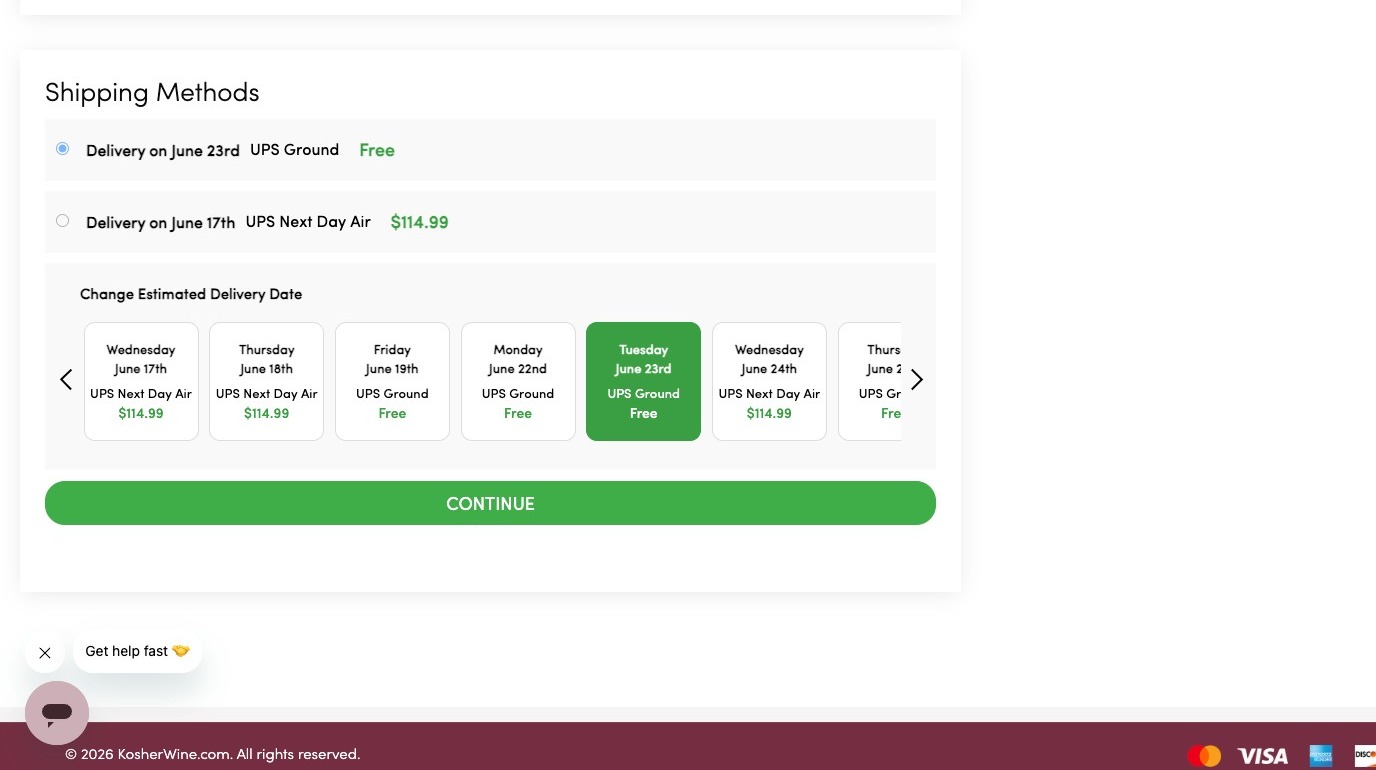
- Once you have made your selection, click Continue. Ground shipping is free on orders of 15 or more bottles; for smaller orders the fee is shown here. See Shipping Costs & Free Shipping and Expected Shipping Timeframes.
Enter payment
- Select your preferred payment method. If you pay by credit card, you can save your payment details for next time.
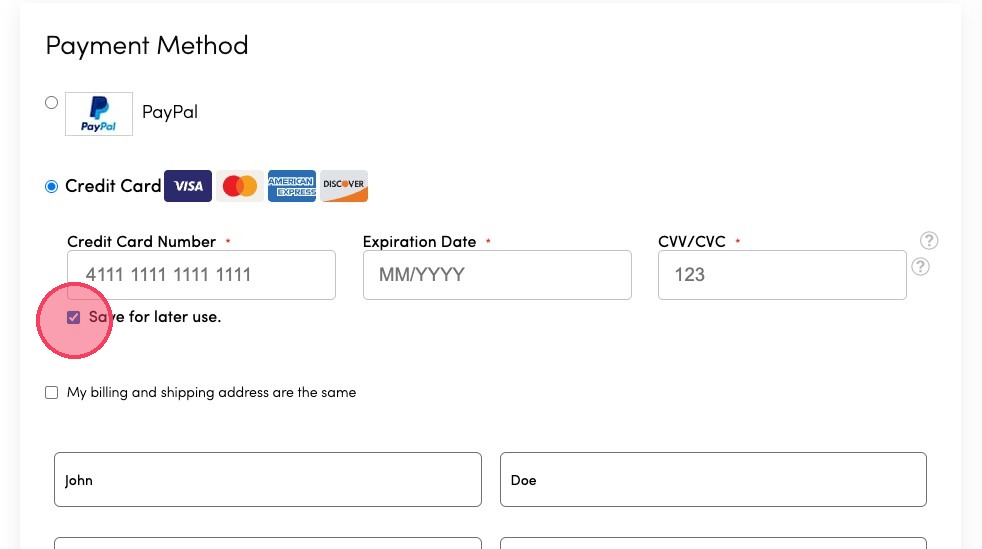
- Enter your billing information. If your billing and shipping addresses are the same, check the box.
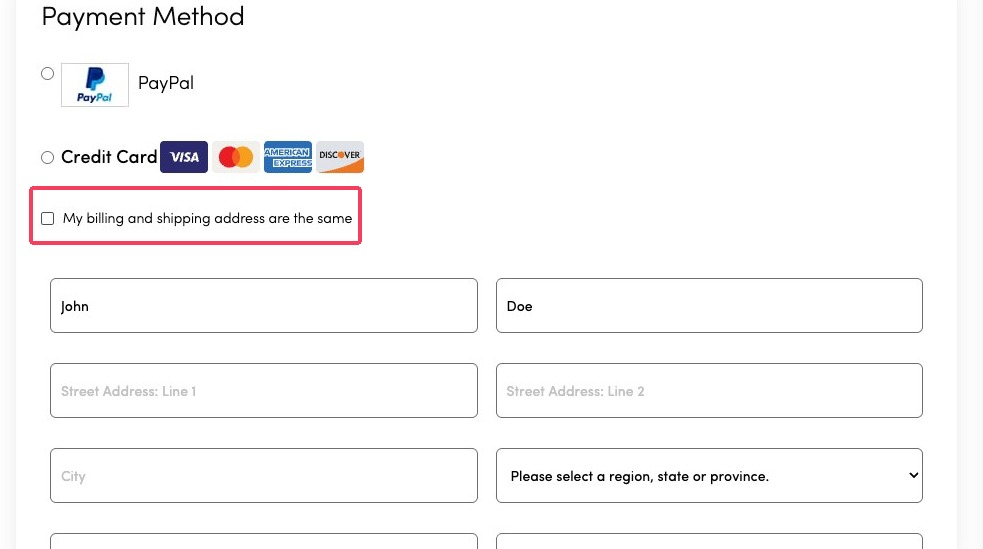
Add a discount, gift code, message, or store credit
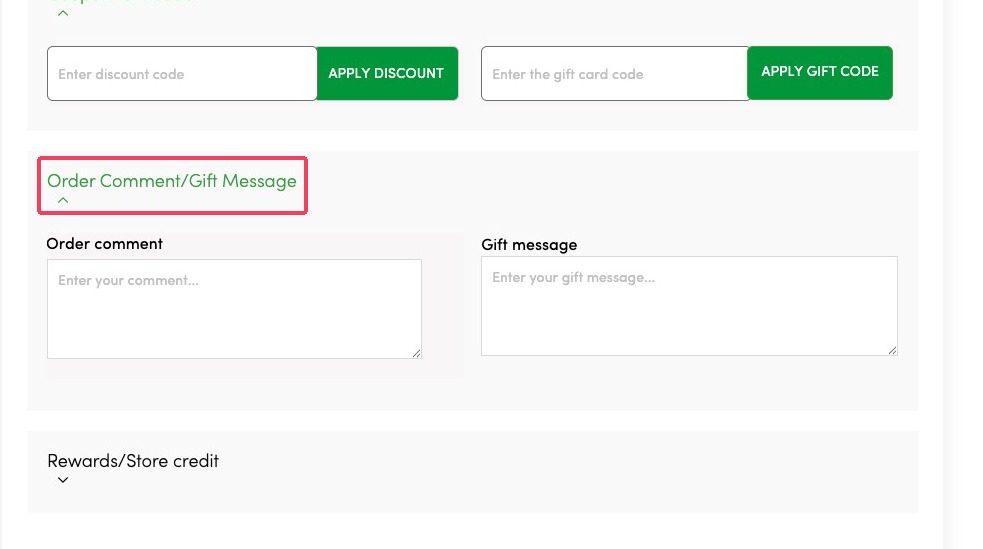
- Open the Coupon/Gift Code section to add a discount code or a gift certificate.
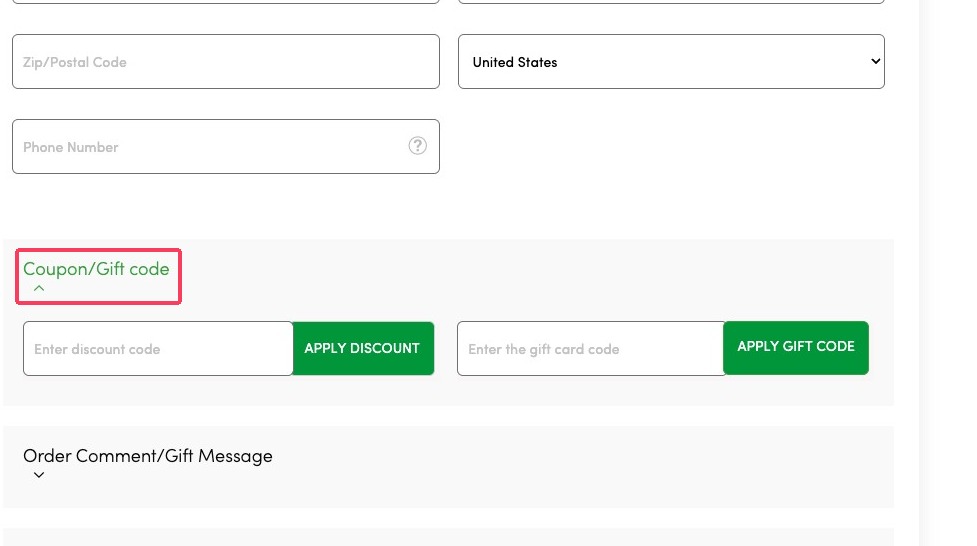
- Open the Order Comment/Gift Message section to add a message. Order comments place your order on a brief hold for verification by our team and are never shared with the recipient. For more, see Why Is My Order On Hold?
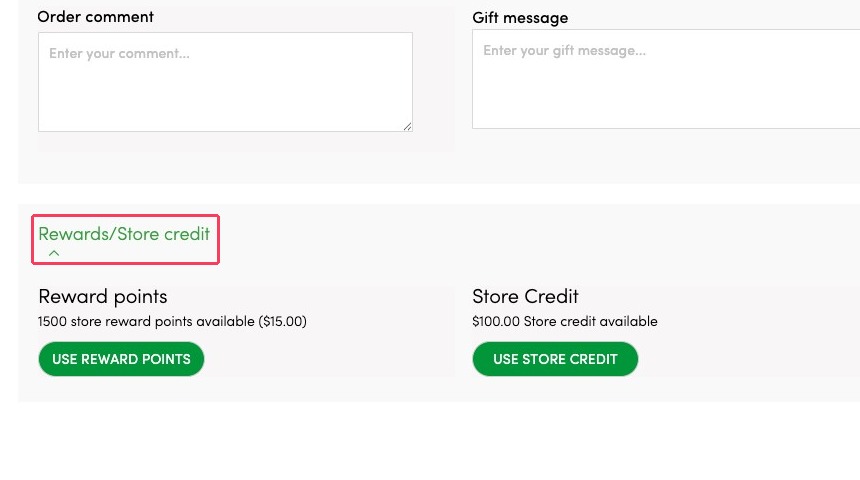
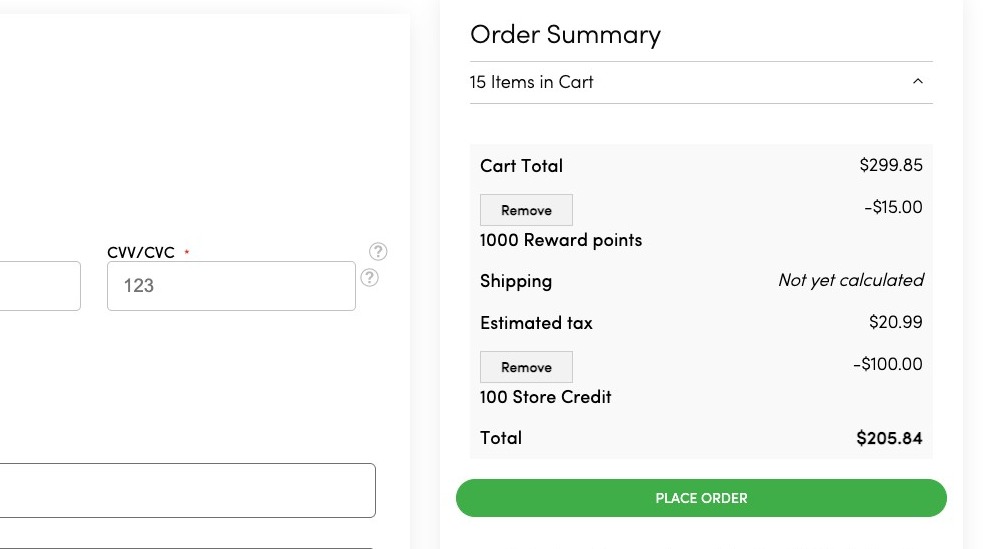
- Open the Rewards/Store Credit section to apply your points or store credit. The system applies the maximum it can; store credit cannot be applied partially unless its value is more than your order total.
Review and place your order
- Scroll back to the top to review your order, then click Place Order.
After you place your order
You will receive a confirmation email. Once your order ships, you can track it from the tracking link in your shipping email.